 Lumen
LumenLumen for Windows and Linux
A browser made of glass.
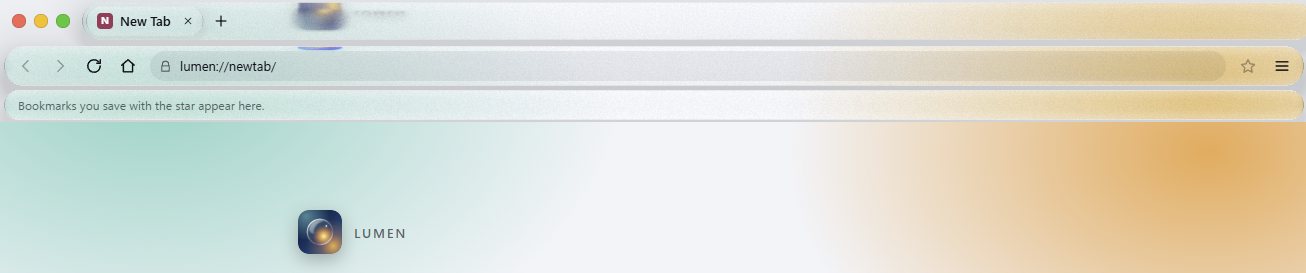
Tabs, address bar and bookmarks sit on glass that bends and blurs the page behind them. Underneath is Chromium, so sites work as they do in Chrome or Edge. Free and open source.
What it does.
A daily browser with the glass look on top. These are the things in the current release.
- Glass toolbar
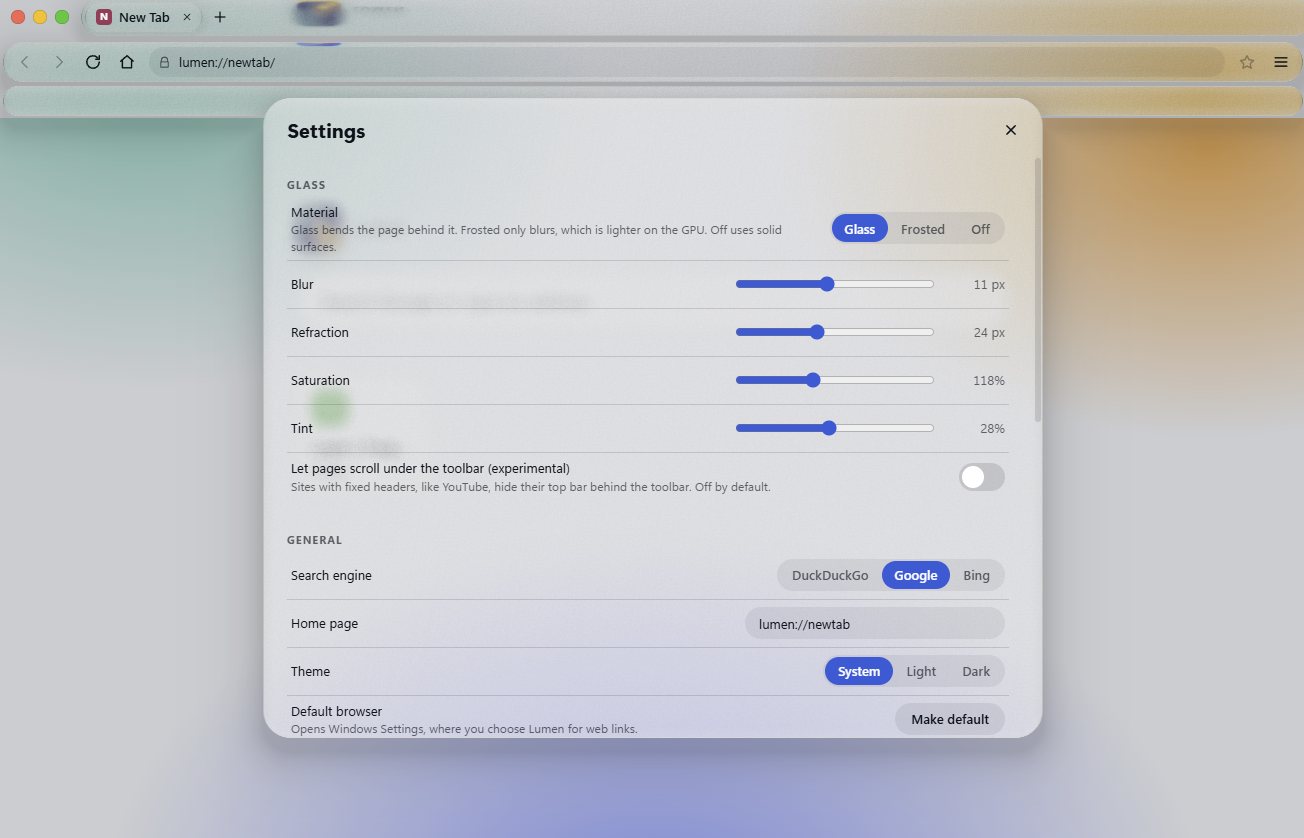
- Three looks in Settings: Glass, Frosted (blur only, easier on older graphics cards) and Off. Lumen switches to Frosted by itself if drawing gets slow.
- Pages are never hidden
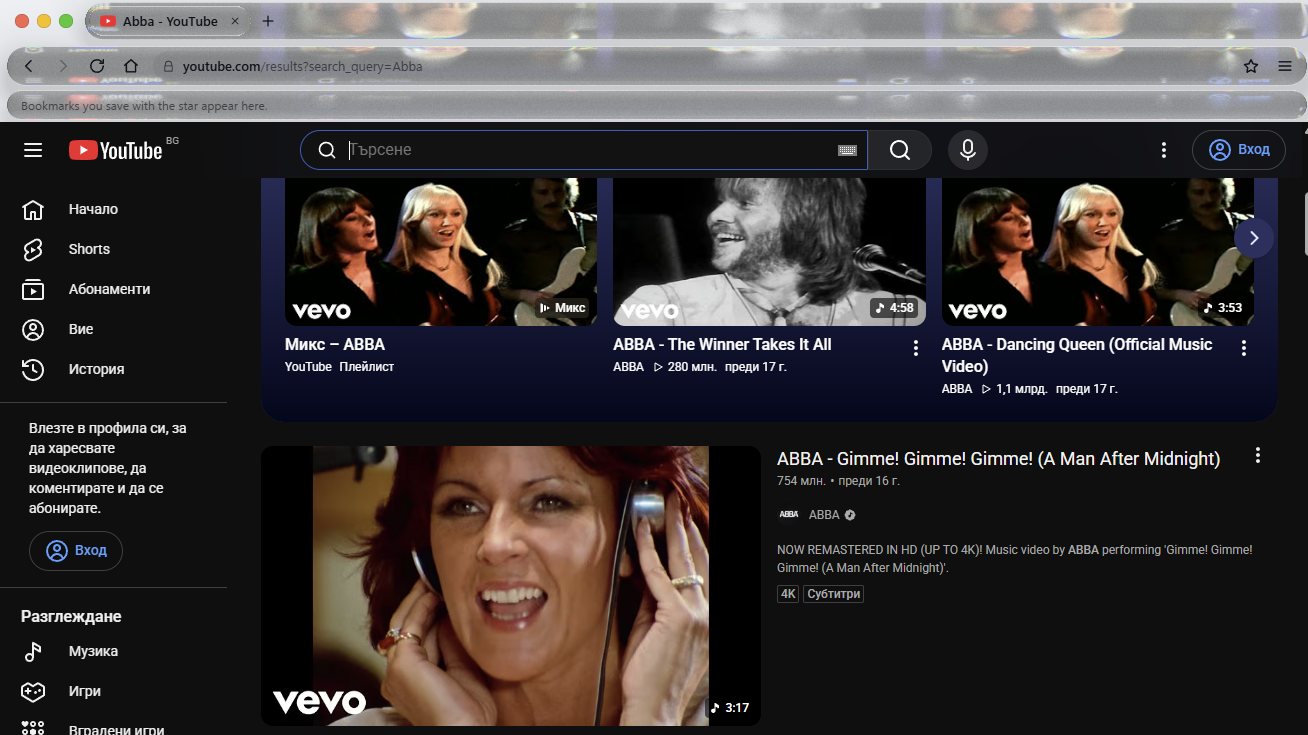
- Pages start below the toolbar, so fixed headers on sites like YouTube and Gmail stay visible. The glass samples the top of the page and mirrors its colours. A setting lets pages scroll under the toolbar instead (experimental).
- Tabs
- Drag to reorder, right-click to pin. Background tabs go to sleep after 20 minutes to free memory, and you can change that. Private windows are always dark violet.
- Bookmarks
- A bar under the address bar, with a menu for the ones that do not fit. Import bookmarks from Chrome, Edge or Brave, or from an exported file. Bookmarks only, no history or passwords.
- Ad and tracker blocking
- Blocks about 100 well-known third-party ad and tracking networks. It cannot block ads a site serves itself, such as YouTube video ads.
- Secure by default
- Addresses typed as
http://open over https first, and drop to http only when the site has no https, with a message. Certificate errors stop at a warning page. Camera, microphone and location ask first. Pages run sandboxed. - Updates itself
- The installed version checks GitHub Releases at startup and installs a new version when you close Lumen.
Not there yet
Browser extensions (Chrome Web Store extensions do not work in Lumen), a password manager, sync, importing history and passwords, and protected video such as Netflix.
In use.
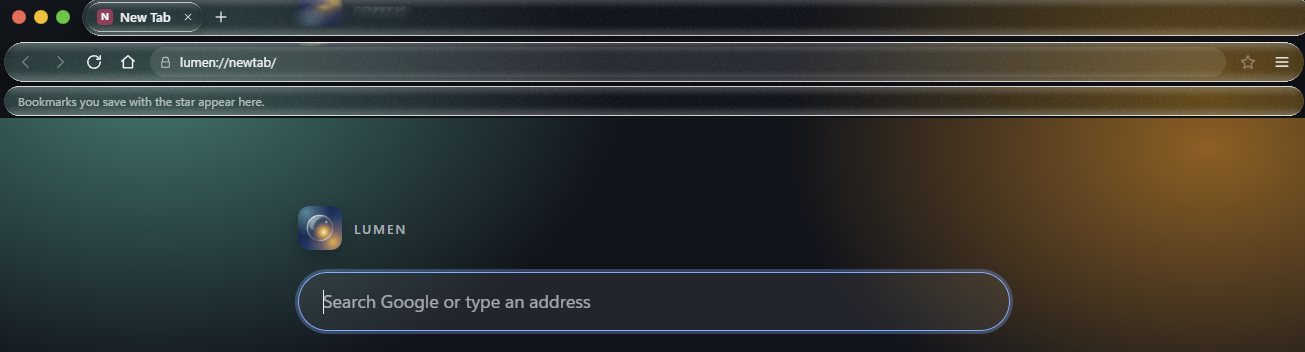
Screenshots from the current release, taken on Windows 11.
How the glass is made.
It is an approximation of the Liquid Glass look, drawn with a shader. It is not Apple's code.
- CaptureLumen grabs the top strip of the page about 15 times a second, and less often when nothing on the page changes.
- ShrinkThe frame is halved in size and sent to the toolbar layer, a transparent view that sits on top of the page.
- DrawA WebGL2 shader paints each glass shape: refraction at the edges, a slight colour split at the rim, blur that is soft in the middle and lighter at the edge, more saturation, and a tint that follows how bright the page is.
- Fall backIf the graphics process crashes, Lumen turns Glass off for that session and says so. Your saved setting stays, so Glass comes back on the next start.
Try it: drag the lens. This is a web version of the effect. In Lumen the same look is drawn by a WebGL shader over the page you are actually viewing.
Changes.
Release notes, taken from GitHub.
Release notes
See the Releases page on GitHub.
Known issues.
What does not work well yet.
- Some graphics drivers. If the screen flickers or goes black, switch Glass to Frosted or Off in Settings and update your graphics driver.
- No extensions. Chrome Web Store extensions do not work.
- Linux is new. It has had far less testing than Windows. On Ubuntu 24.04 and newer, use the .deb if the AppImage will not start. Please report problems on GitHub.
- Unsigned installer. Windows SmartScreen may warn you the first time.
Found something else? Report it on GitHub.
Check your download.
Lumen is new and its installer is not code-signed yet, so Windows may show a SmartScreen warning. Click More info, then Run anyway.
Some antivirus and sandbox services flag new unsigned installers by mistake. Lumen's releases are built by GitHub Actions from the public source. Newer releases list SHA-256 checksums in a SHA256SUMS.txt file and carry a signed build attestation. Look for them in the release's file list.
Compare the file's hash with the line in SHA256SUMS.txt (PowerShell):
Get-FileHash .\Lumen-0.2.1-x64.exe -Algorithm SHA256On Linux, compare the hash with the same file:
sha256sum Lumen-0.3.1-linux-amd64.debOr verify the build attestation (needs the GitHub CLI):
gh attestation verify .\Lumen-0.2.1-x64.exe --repo SlayThat/Lumen_BrowserChange the version in the file name to the one you downloaded. For the attestation on Linux, use the .deb or .AppImage file name instead. Only download Lumen from the Releases page. More in SECURITY.md.
Privacy.
Lumen collects nothing about you.
- No analytics, no crash reports and no account. Lumen has no server of its own.
- Settings, history and bookmarks stay on your PC, in your own user folder.
- The installed Windows version and the Linux AppImage ask GitHub once at startup whether a newer release exists.
- Websites you open see your connection, as in any browser. Searches go to the search engine you pick: DuckDuckGo, Google or Bing.
- The code is public, so you can check all of this in the source.
Follow Lumen